


ALLO Fiber technician driving an installation vehicle
Digital Install Kit

Welcome to the Fiber Family!

We’re thrilled to welcome you to the ALLO fiber family.

Learn how to use and manage your new services, from fiber internet to streaming, phone, SmartTown, and online bill pay.

Get Started with ALLO Fiber Internet

Welcome to Your New Internet Experience!

For a complete guide to your ALLO internet service and Blast router, please visit AlloFiber.com/Support.

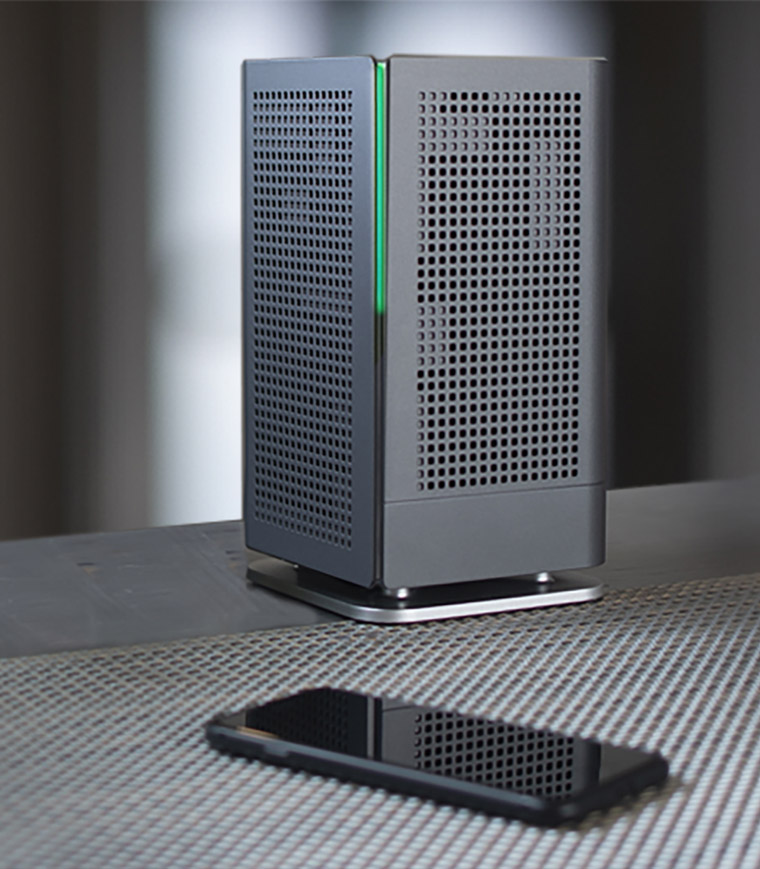
ALLO Blast Wi-Fi router

Get to Know Your ALLO Blast Router

The ALLO Blast controls the internet signal throughout your home and connects more than 250 devices simultaneously without compromising speed, signal strength, or device performance.

ALLO Blast Built-in Networks

Newer devices will show 2.4 and 5 GHz networks and will be automatically connected to the network that will provide the best performance.

Connecting Devices to Your Router

Use the network name and password that was emailed to you to connect all your devices to your network.

Router Limitations

  • Signal strength is impacted by the device’s location to the router.
  • Microwaves, cordless phones, and some forms of home construction may cause wireless interference.
  • Older devices may not have the capacity to provide the speeds our router pushes out.
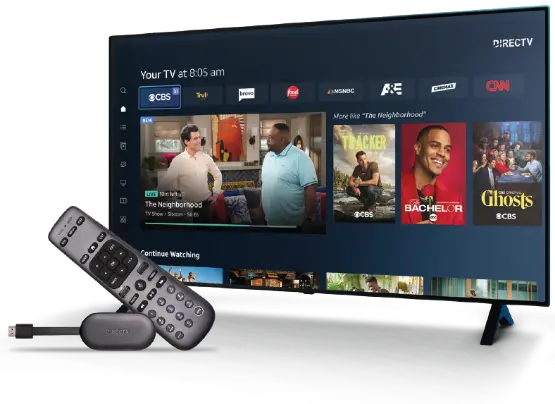
Get To Know DIRECTV + ALLO.

Smart, simple, and so much more.

Powering Up Your Gemini Air

Your new streaming experience is smart, simple, and so much more. With DIRECTV’s intuitive menu, channel guide, and Gemini stick remote, it’s never been easier to find your entertainment.

  1. Unbox your Gemini Air, power supply, and remote.
  2. Connect the attached HDMI cable to your TV.
  3. Plug the power supply into your Gemini device and a wall outlet.
  4. Turn on your TV and select the correct HDMI input using your TV remote.
  5. Remove the slip from the remote.
  6. Follow the on-screen prompts to finish setup, accept terms, pair your remote, and install updates.
DIRECTV Gemini remote
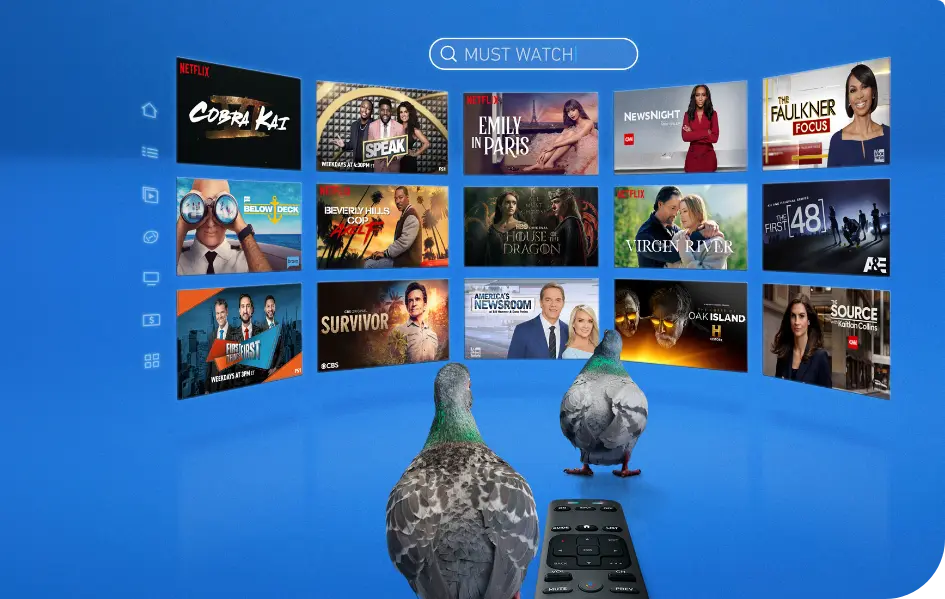
DIRECTV streaming selections

Now, Get More of What You Love

Multiple Locations. Unlimited Convenience

Enjoy unlimited streaming at home or on the go with up to three devices.

Personalized Profiles

Enjoy a customized streaming experience with five individual profiles included.

Unlimited Cloud DVR

4K ultra HD and sports you can record and watch anytime with unlimited hours of DVR storage.

ESPN, Disney+ and Hulu Included

All three of our packages include ESPN Unlimited, Disney+ and Hulu completely free!

Get Started with ALLO Fiber Phone

Welcome to Your New Home Phone Experience!

For a complete guide to your ALLO phone service, please visit AlloFiber.com/Support.

Record Your Voicemail

  1. Dial *15.
  2. From the Main Menu, Press 3.
  3. To set up a personal greeting, press 1.
  4. To set up a system-generated greeting or to change the recording of your name, press 3.
  5. To change the greeting that callers hear when you’re busy, press 5.
  6. If you don’t record a personal greeting, a generic greeting will be played.

Note: If you have a voicemail feature on your phone or an answering machine connected, those features will not work with your ALLO voicemail service.

Listen to your Voicemail

  1. Press the voicemail button or dial *15.
  2. You will be asked to set up your voicemail and record your name and a greeting.
  3. Enter your desired voicemail password. This should be at least six digits long.
  4. If you have new messages, the messages will be identified.
  5. After hearing any new messages, you will be presented with the Voicemail Main Menu.

Use Call Waiting

  1. If you hear a brief tone, it’s an alert to a new call coming in.
  2. To answer the call: Press and release your phone’s receiver, Flash, or Recall button to put the first caller on hold and accept the incoming call.
  3. To alternate between two calls: Press and then release your phone’s receiver, Flash, or Recall button.

Use Call Forwarding

  1. Dial *72 to enable call forwarding.
  2. Wait for the confirmation tone.
  3. Disable call forwarding by dialing *73.

Managing Your Services

Take control of your connected home.

Bill Pay

ALLO’s Online Bill Pay